Particles, not noise
Real grain is made of silver-halide crystals and dye clouds that clump together as the film develops. The engine builds grain the same way: soft particles scattered across a grid, spawned in only some of its cells, so they gather into irregular clusters with small gaps between them.
- Organic shapes. The grid is warped before particles are placed, so they come out as slightly elongated blobs instead of perfect dots.
- Bright and dark particles. Both kinds are generated. Dark ones are a touch larger and softer, so they read as a faint shadow instead of a hard black speck.
- Coarse and fine. A finer texture fills in between the particles, the way real grain mixes crystal sizes. Turn Roughness above zero and a layer of larger clumps joins in.
- Clean at every size. Each pixel is supersampled, which keeps fine grain from turning into moiré or a visible grid pattern.
One ISO control, calibrated
A single slider from ISO 160 to 3200 moves grain amount, particle size and edge roughness together, along stops tuned against reference photos shot on real film. Low ISO gives a tight, near-continuous fine texture. High ISO gets denser, larger and grittier particles, not just louder noise. The ISO guide shows each step.
Grain that follows exposure
On negative film, grain is most visible in the shadows and midtones and disappears in blown highlights. The engine weights grain by the brightness of the photo underneath: strongest in deep shadow, neutral through the midtones, and fading to nothing near pure white. The black point lifts slightly as grain grows, so the particles stay visible even in the darkest parts of the frame.
Color grain
Each grain clump also gets a slight color tint of its own. The tint is chosen per clump rather than per pixel, so every particle carries one soft, coherent color. That gives the subtle color speckle of scanned color film instead of rainbow digital noise.
Fine-tune the character
| Control | Range | What it does |
|---|---|---|
| ISO | 160–3200 | Grain amount, size and roughness together, along the calibrated curve. |
| Intensity | 0–200% | How strongly the grain shows, without changing its character. |
| Roughness | −100 to +100 | Finer and smoother below zero, clumpier and grittier above. |
| Softness | 0–200% | The micro-softness under the grain, from the Soft Particle Engine. |
Halation
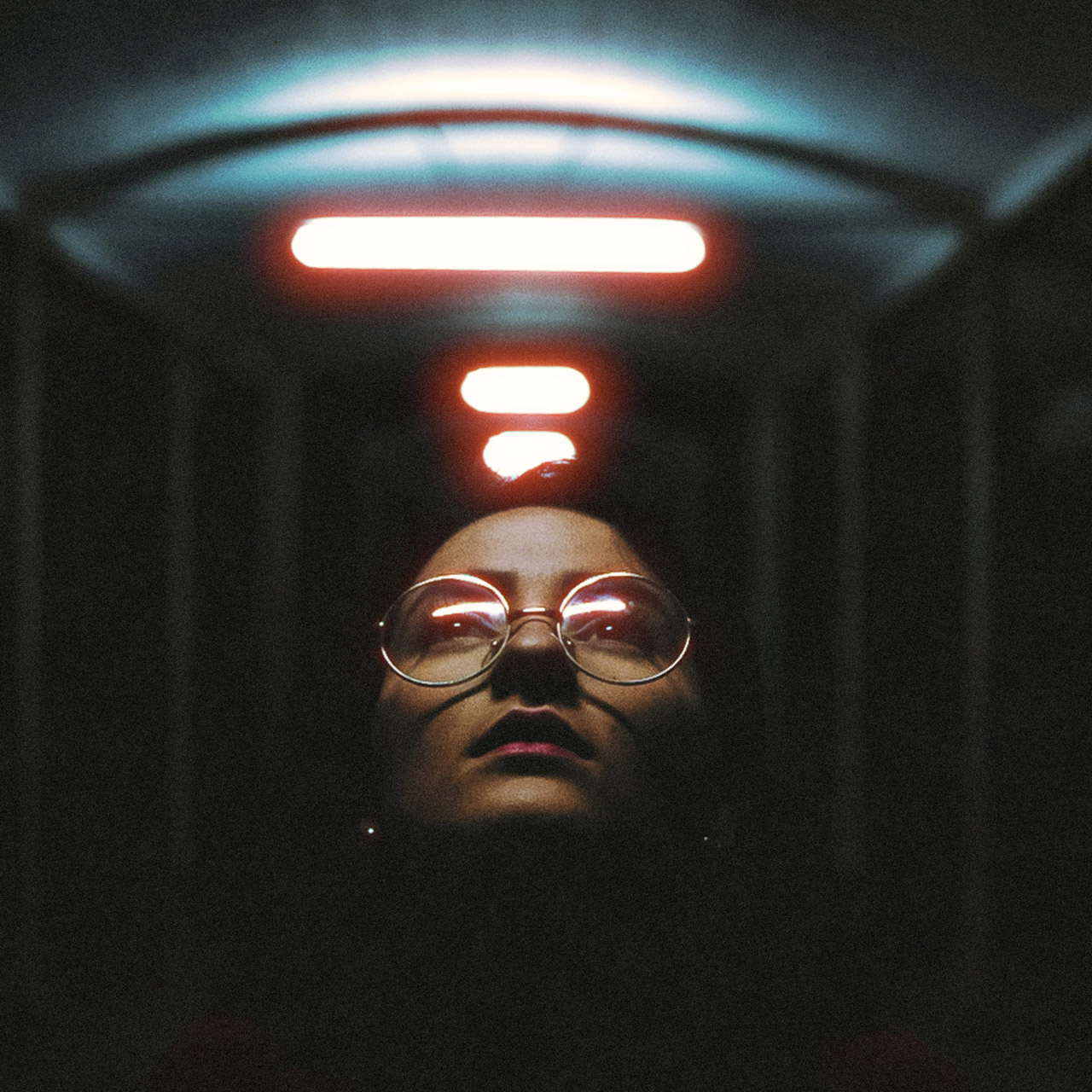
Bright light sources on film bleed a red-orange glow into their surroundings. The engine finds the near-clipped highlights in linear light, spreads them into a tight core and a wide tail, and adds the glow mostly to the red channel, before any grain is laid on top. The glow is held back on the light source itself, so highlights stay clean rather than washed out. Halation sets the strength and Halation size the radius.
Same look at any resolution
Grain size is set relative to the photo, not in fixed pixels, so a 12 MP and a 60 MP file get the same character and the export matches the preview. Zooming in renders real source pixels at native resolution, so what you inspect at 100% is exactly what you export. In a batch, every photo gets its own grain pattern.